

What Seniors Should Know About Online Banking Safety
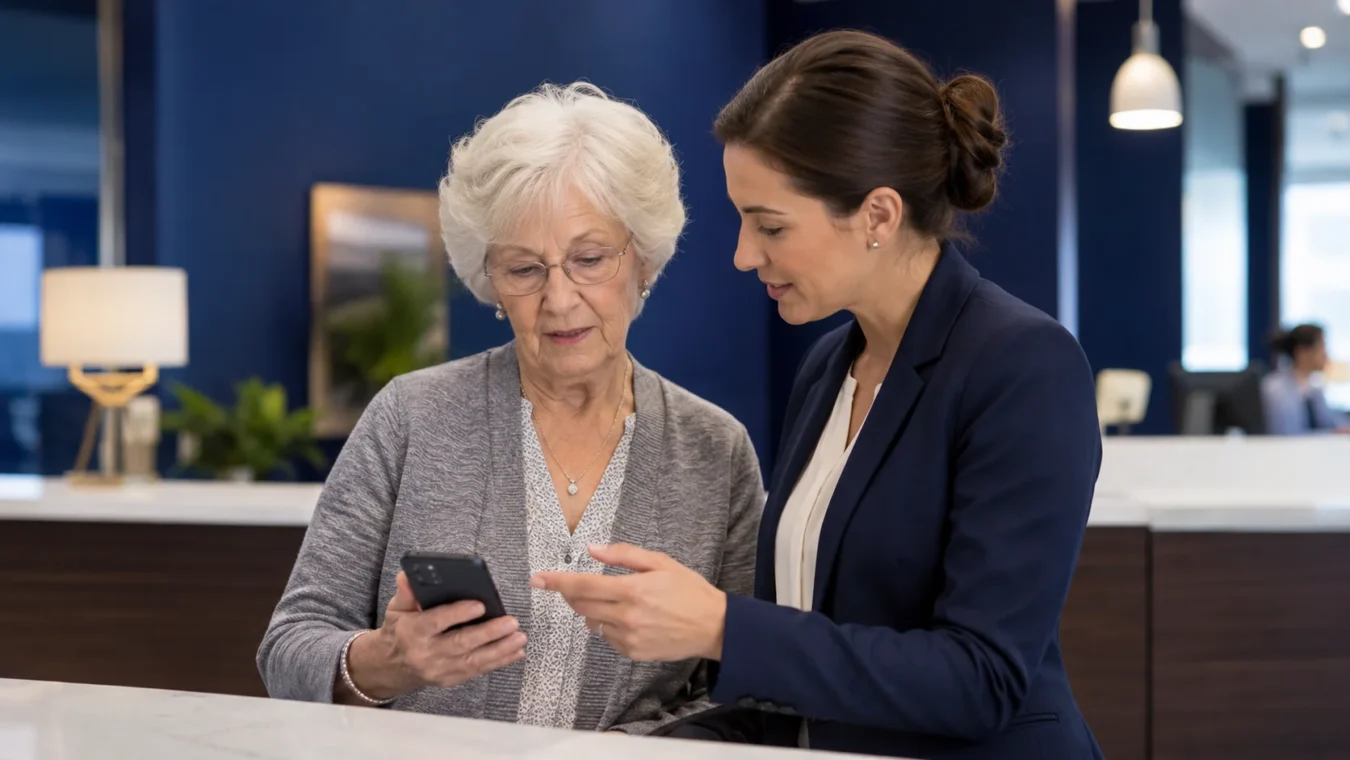
Online banking can make life easier after 65. You can check balances, pay bills, review deposits, and monitor activity without driving to a branch or waiting for paper statements. But for many seniors, online banking also brings a real concern: “How do I know my money and personal information are safe?”
That concern is understandable. Scams, suspicious emails, fake text messages, and confusing websites can make online banking feel intimidating. The goal is not to avoid technology completely. The goal is to use it with caution, confidence, and simple safety habits that protect your retirement income.
Why Online Banking Safety Matters in Retirement
In retirement, your financial accounts often support your most important needs: housing, groceries, healthcare, insurance, transportation, medications, and family responsibilities.
If someone gains access to your account, the impact can be stressful and costly. That is why online banking safety should be part of your overall retirement organization.
Good online banking habits can help you:
- Notice unusual charges quickly.
- Confirm Social Security or pension deposits.
- Avoid missed payments.
- Track automatic withdrawals.
- Reduce paper clutter.
- Protect your personal information.
- Feel more in control of your monthly budget.
Online banking can be useful, but it should always be handled carefully.
Use Strong Passwords and Keep Them Private
Your password is one of the first lines of protection for your bank account.
Avoid using simple passwords such as birthdays, pet names, addresses, phone numbers, or names of family members. These may be easier for others to guess.
A Safer Password Should Be:
- Long enough to be difficult to guess.
- Different from passwords used on other accounts.
- Not based on obvious personal information.
- Stored safely, not written on loose paper near your computer.
Never share your online banking password with someone who calls, texts, or emails you. A real bank should not ask you to give your full password over the phone or through a message.
If you need help managing passwords, consider asking a trusted person or professional about safe options. The key is to stay organized without exposing your private information.
Turn On Account Alerts
Many banks allow you to receive alerts by text, email, or app notification. These alerts can help you catch problems sooner.
Helpful Alerts May Include:
- Large withdrawals
- Low balance notices
- Debit card purchases
- Online login activity
- Password changes
- Bill payments
- Deposits received
- Suspicious activity warnings
Alerts are especially helpful if you have automatic payments or if you are trying to monitor your monthly retirement budget more closely.
When an alert arrives, read it calmly. If something looks wrong, contact your bank directly using the official phone number from your card, statement, or bank website.
Be Careful With Emails and Text Messages
Scammers often pretend to be banks, government agencies, delivery companies, or familiar businesses. They may send messages saying your account is locked, your payment failed, or you must “act now.”
These messages are designed to create fear and urgency.
Warning Signs of a Suspicious Message
Be careful if a message:
- Asks for your password or PIN.
- Pressures you to act immediately.
- Includes a link you were not expecting.
- Says your account will close unless you respond.
- Has spelling mistakes or strange wording.
- Comes from an unfamiliar number or email address.
- Asks you to verify personal information.
Do not click links in suspicious messages. Instead, open your bank’s official website or app yourself, or call the bank using a verified number.
Use Secure Devices and Internet Connections
Where and how you access online banking matters.
Avoid logging into your bank account on public computers, shared devices, or unsecured public Wi-Fi, such as at a coffee shop, airport, or hotel.
Safer Habits Include:
- Use your own phone, tablet, or computer.
- Keep your device updated.
- Use a secure home internet connection.
- Log out when finished.
- Do not save passwords on shared devices.
- Avoid banking on devices you do not trust.
If your device is acting strangely, showing pop-ups, or running very slowly, avoid using it for banking until it is checked.
Review Your Account Regularly
Online banking allows you to review activity more often than waiting for a monthly statement. This can help you notice small issues before they become larger problems.
What to Check
Review your account for:
- Charges you do not recognize.
- Duplicate payments.
- Automatic withdrawals.
- Bank fees.
- Missing deposits.
- Changes in balances.
- Transfers you did not authorize.
You do not need to check every hour. A simple weekly or biweekly review can help you stay aware.
If you see something unfamiliar, write it down and contact the financial institution directly.
Be Careful When Someone Offers to “Help”
Many seniors rely on family members, friends, or caregivers for support. In many cases, that support is helpful and sincere. But your financial privacy still matters.
Be cautious about giving anyone full access to your online banking unless you have thought carefully about it and understand the risks.
Before Sharing Access, Ask:
- Do I fully trust this person?
- Is there another way they can help without using my password?
- Can the bank offer a safer option, such as a trusted contact?
- Do I understand what this person can see or do?
- Have I spoken with a professional before making this decision?
Protecting your privacy is not rude. It is responsible.
What to Do If Something Seems Wrong
If you believe your account may be at risk, act quickly but calmly.
Steps to Take
- Contact your bank immediately using an official number.
- Change your password.
- Review recent transactions.
- Ask the bank whether your card or account should be replaced.
- Save copies of suspicious messages.
- Tell a trusted person if you feel overwhelmed.
- Continue monitoring the account closely.
Do not feel embarrassed. Scams can be very sophisticated, and many intelligent people are targeted every day.
Final Thoughts
Online banking can be a helpful tool for seniors, especially when it supports better organization, faster account review, and easier bill management. But safety matters. Strong passwords, account alerts, secure devices, careful message review, and regular monitoring can help protect your retirement income.
You do not need to become a technology expert. You simply need a few clear habits and the confidence to ask questions when something does not feel right.
At EduFuture Foundation, we believe financial education should be practical, respectful, and easy to understand. If you want to better understand online banking safety, monthly budgeting, financial records, scams, or retirement planning decisions, we invite you to explore our educational resources, attend an upcoming workshop, or contact our team for guidance.