

Digital Legacy Basics: What Your Family May Need Access To Later
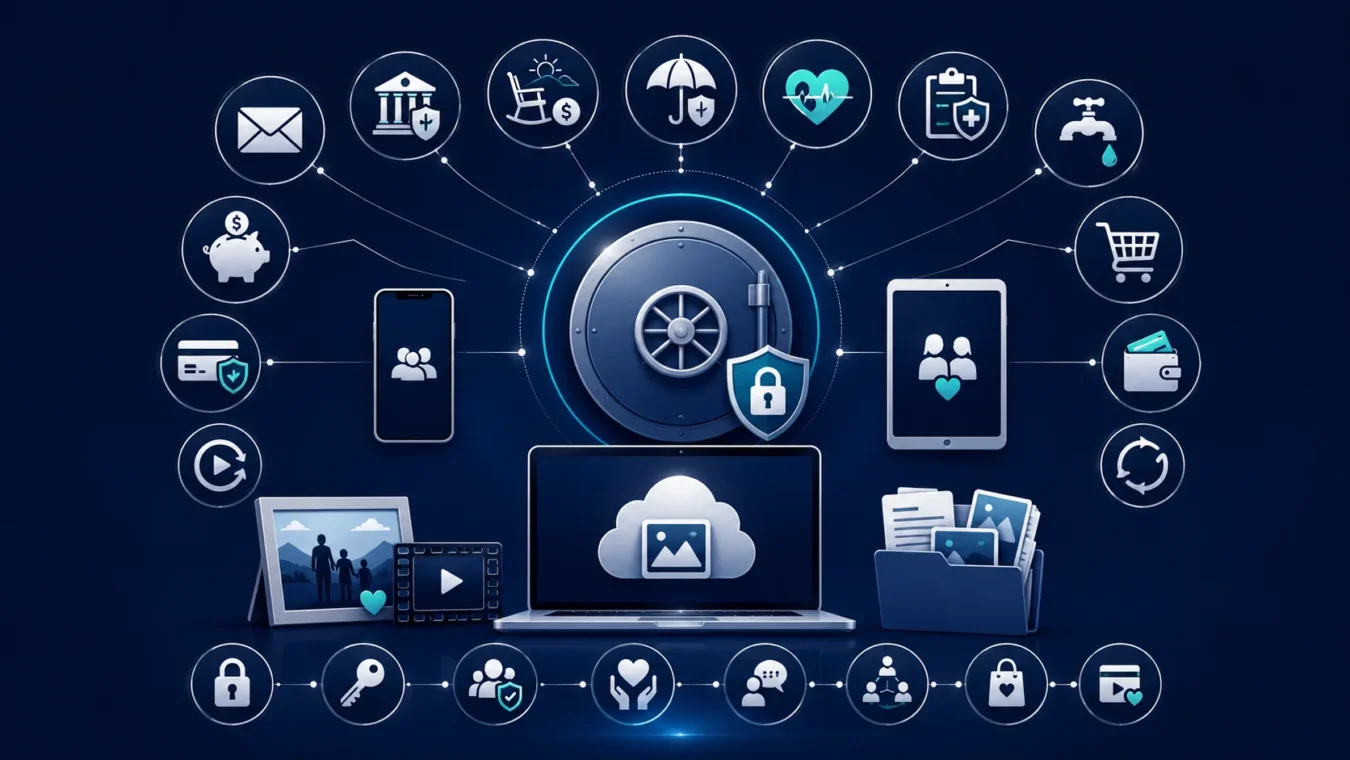
Many retirement conversations focus on bank accounts, housing, healthcare, insurance, and legal documents. But today, an important part of your life may also exist online. Email accounts, online banking, phone passwords, cloud photo storage, bill payment portals, social media, subscription accounts, and digital records can all become difficult for family to manage later if there is no plan.
For many seniors, this topic feels uncomfortable. You may not want to share private information, and you may worry about giving someone too much access. Those concerns are valid. A digital legacy plan is not about handing over control today. It is about making sure the right person can find important information later if there is an emergency, illness, or death.
The goal is simple: protect your privacy now while reducing confusion for your family later.
What Is a Digital Legacy?
A digital legacy includes the online accounts, digital files, passwords, devices, and electronic records that may need attention if you can no longer manage them yourself.
This may include practical accounts, personal memories, financial tools, and communication channels.
Examples May Include:
- Email accounts
- Online banking access
- Retirement account portals
- Insurance accounts
- Medicare or healthcare portals
- Utility bill accounts
- Phone, tablet, or computer passwords
- Cloud photo storage
- Social media accounts
- Subscription services
- Online shopping accounts
- Digital payment apps
- Important files stored on a computer or cloud account
Some accounts may contain private information. Others may affect bills, finances, communication, or family memories.
Why This Matters After 65
After 65, organization becomes even more important because financial, healthcare, and family decisions are often connected.
If a family member needs to help you later, they may need to know:
- Which bills are paid online
- Where important documents are stored
- How to contact key institutions
- Whether automatic payments are active
- Where family photos or records are saved
- How to access a phone or computer in an emergency
- Which accounts should be closed, updated, or monitored
Without a plan, loved ones may spend weeks trying to locate information, cancel services, recover accounts, or understand what needs attention.
Start With a Simple Digital Inventory
You do not need a complicated system. Start by creating a basic list of your most important digital accounts.
Your List Can Include:
- Account name or purpose
- Website or app name
- Username or email used
- Whether the account affects money, bills, healthcare, or personal records
- Who should be contacted if help is needed
- Where the password is safely stored
Avoid leaving passwords on loose papers, sticky notes, or visible notebooks near your computer. The goal is to be organized and secure.
Decide Who Should Know Where Information Is Stored
Not everyone in the family needs access to your digital life. Choose carefully.
You may want to tell one trusted person where your digital inventory is stored, without giving them full access right away.
Choose Someone Who Is:
- Trustworthy
- Respectful of privacy
- Organized
- Calm in emergencies
- Comfortable with basic technology
- Not financially dependent on you
- Willing to follow your wishes
This person does not need to manage everything today. They simply need to know how to help if the time comes.
Separate Access From Control
One of the most important points is this: planning for access does not mean giving away control.
You can decide:
- Which accounts should remain private
- Which accounts may need emergency access
- Who should know where information is stored
- Whether certain accounts should be closed later
- What should happen to photos, files, or social media
- Who should manage online bills or subscriptions if needed
A good digital legacy plan respects both your privacy and your family’s need for clarity.
Think About Online Bills and Automatic Payments
Many families discover digital accounts because a bill is missed or a payment continues after it should have stopped.
Review accounts connected to:
- Utilities
- Phone service
- Internet
- Insurance premiums
- Streaming services
- Online memberships
- Prescription delivery
- Storage accounts
- Credit cards
- Bank withdrawals
Make sure someone trusted can identify which services are essential and which may need to be canceled later.
Protect Photos and Personal Memories
Digital legacy is not only financial. It can also include family memories.
Photos, videos, recipes, letters, family history, and personal files may be stored on a phone, computer, tablet, or cloud account. If no one knows where they are, those memories could be lost.
Consider organizing important memories into clearly labeled folders or sharing copies with trusted family members while you are able to do so.
Be Careful With Password Sharing
Password safety matters. Sharing too much information too early can create risk.
Instead of giving passwords to several people, consider keeping them in one secure place and telling one trusted person how to locate them if needed. Some people use a password manager, while others use a secure written record stored in a safe location.
Whatever method you choose, it should be private, organized, and updated regularly.
Review Your Plan Once a Year
Digital accounts change over time. You may open new accounts, close old ones, change passwords, or switch devices.
Review your digital legacy plan at least once a year.
Update it after:
- Changing phones or computers
- Changing passwords
- Opening new accounts
- Closing old accounts
- Changing banks or insurance providers
- Moving
- Losing a spouse
- Changing your trusted person
A plan is only helpful if it stays current.
Final Thoughts
Digital legacy planning is an important part of retirement organization. Your family may one day need access to online accounts, bill payment portals, devices, photos, documents, or contact information. Planning ahead can reduce confusion, protect privacy, and help loved ones follow your wishes.
This is not about giving up independence. It is about creating clarity before a stressful moment arrives.
At EduFuture Foundation, we believe retirement planning should include financial education, family communication, healthcare awareness, and practical organization. If you want to better understand how digital records, important documents, family roles, and retirement decisions connect, we invite you to explore our educational resources, attend an upcoming workshop, or contact our team for guidance.